Users can share out their entire screen, application window or specific browser tab.
When screenshare is disabled, icon will appear in dark gray.
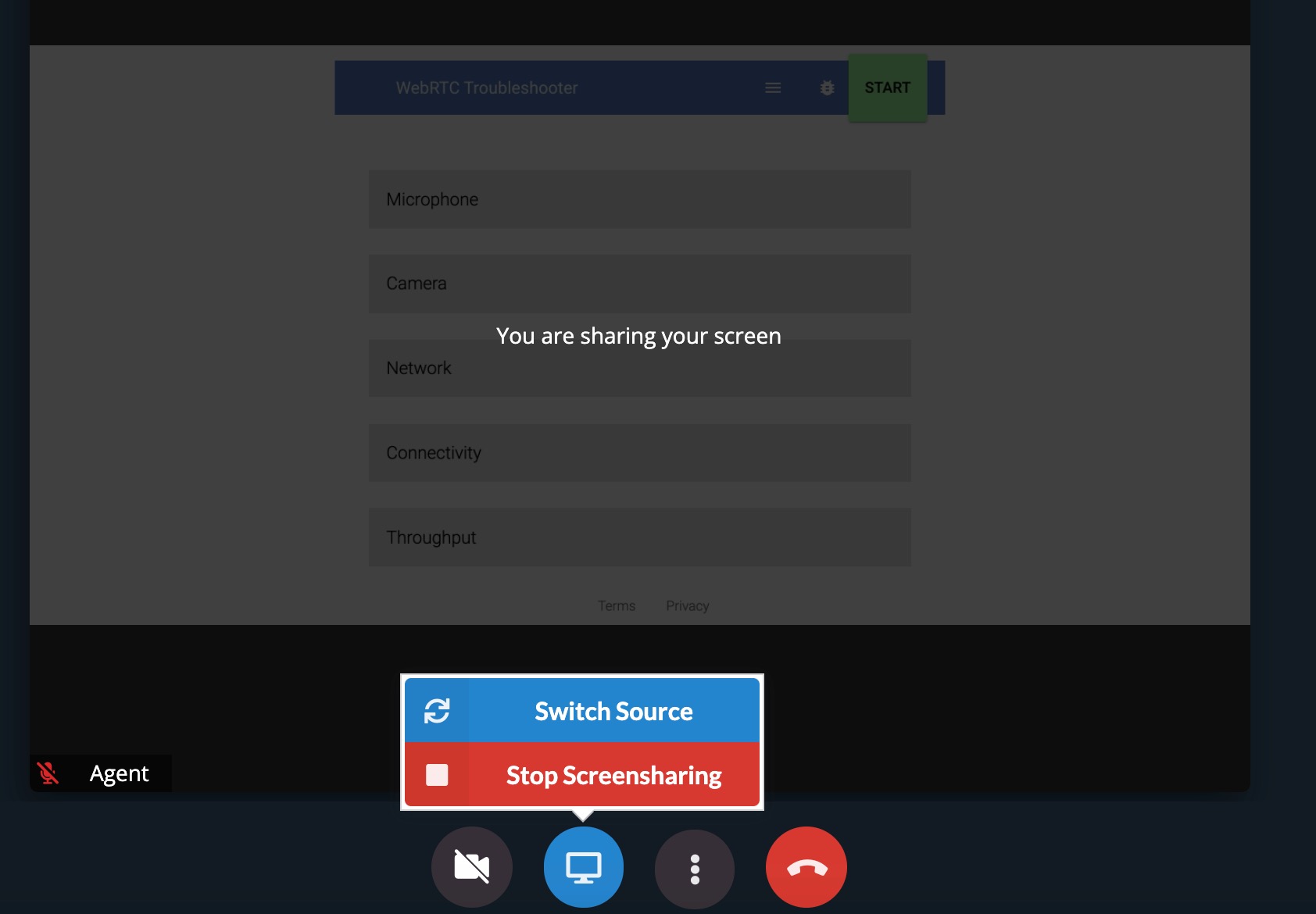
When screenshare is enabled, icon will appear in blue
You can switch the view that you share, from sharing the whole screen, application or specific browser tab.
.gif)
You can 'Switch Source' to modify from what you are screensharing. ie: Select 'Switch Source' from sharing your whole screen to a specific application browser tab.