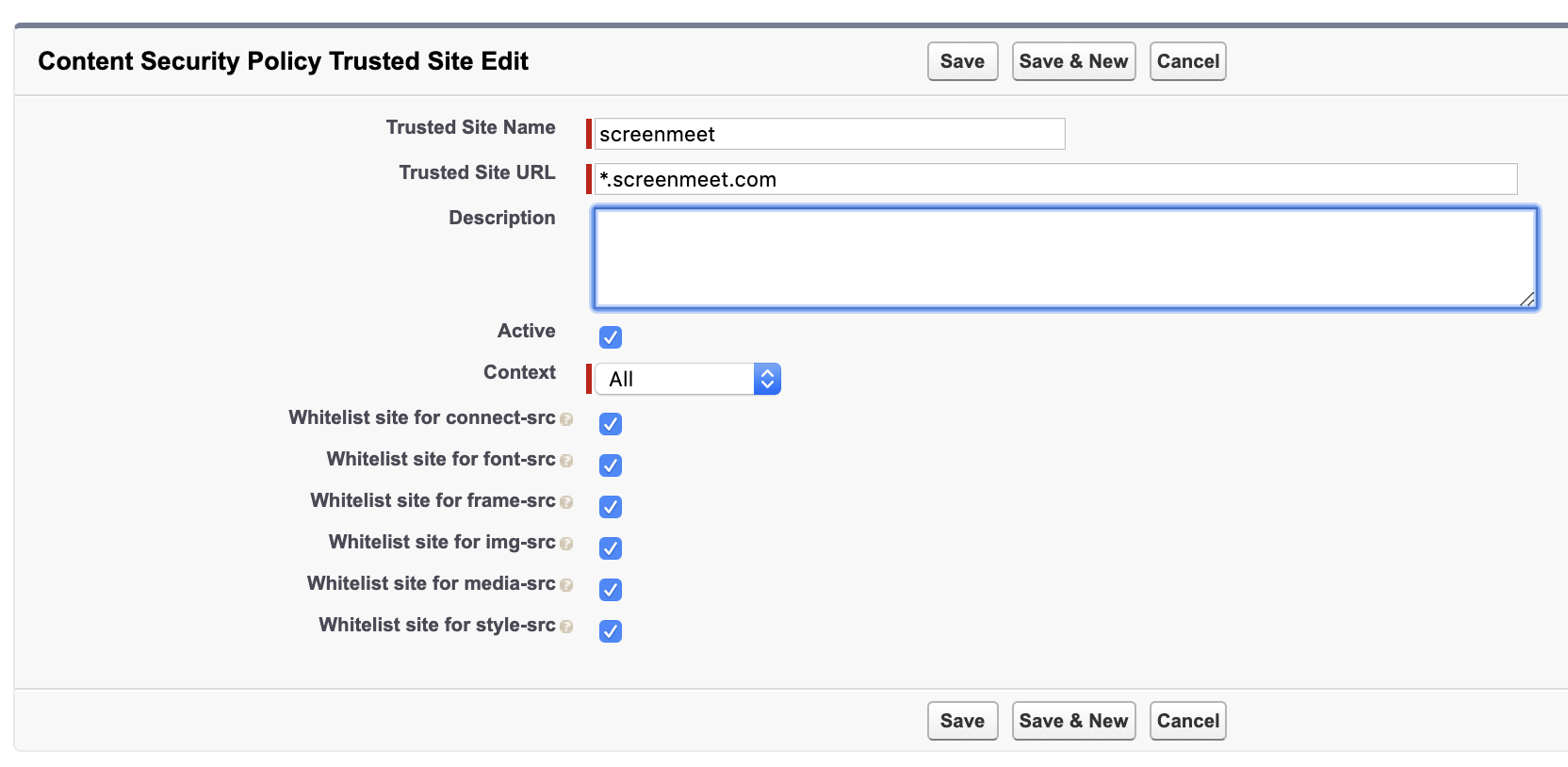
Next, you will need to add CSP permission to allow communication to the ScreenMeet API via the Lightning front-end.
- Open Setup.
- Search for CSP in Quick Find.
- Click on CSP Trusted Sites.
- Click on New Trusted Site.
- Enter screenmeet for Trusted Site Name.
- Enter *.screenmeet.com for Trusted Site URL.
- Ensure All options are checked and context is set to All.
- Click Save.