Once successfully logged in, the Agent can manage and navigate active sessions through the main portal screen.
Click either “+ New Session” toward the top-left or “+ Create New Session” toward the center to create a new session. This initiates the workflow to create a new remote support session.
New Remote Support Session
After initiating a new session, the Agent sees the following screen:
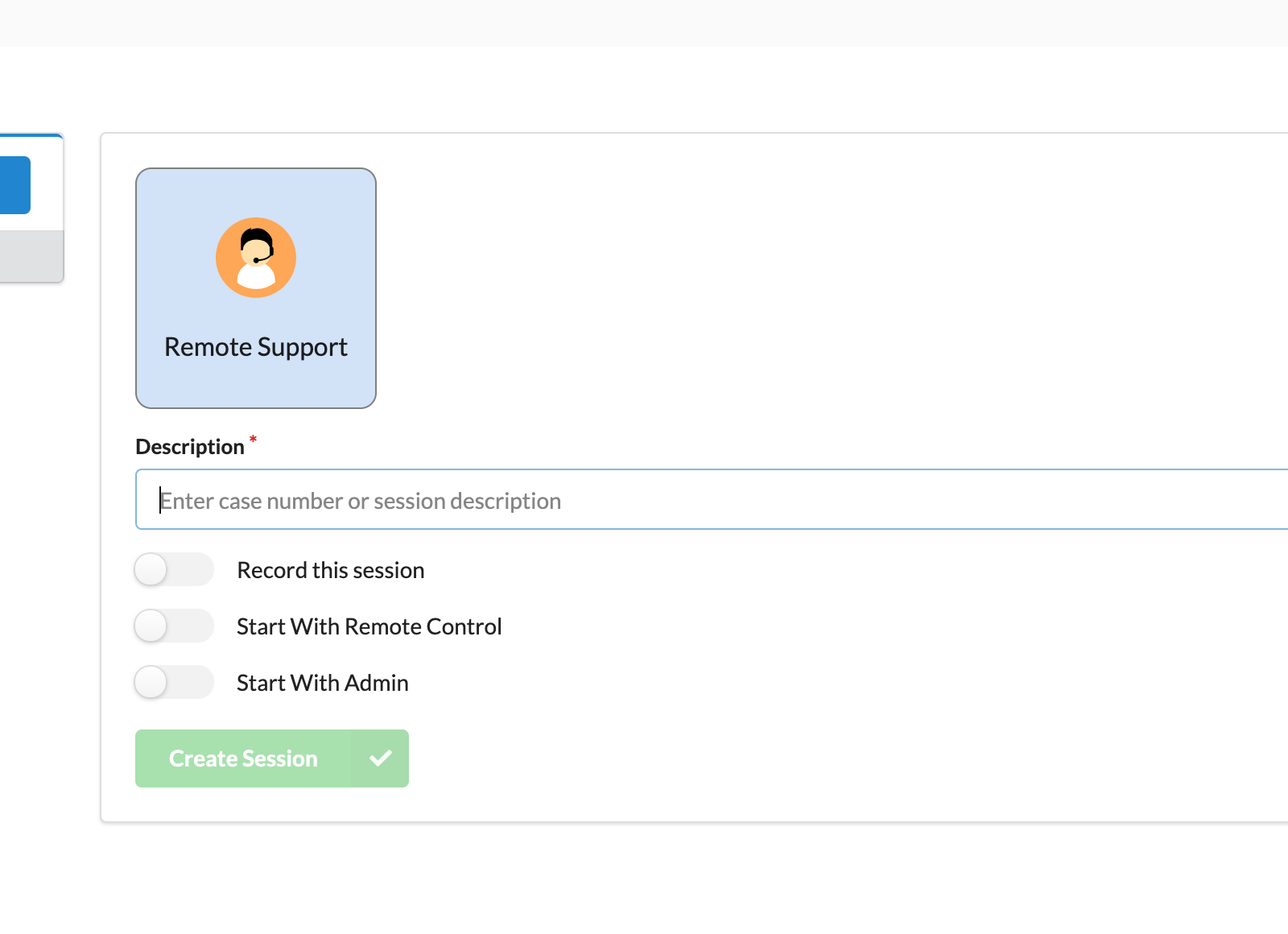
The Agent is required to enter the case number or information about the Session into the session description field.
After filling out the session description, the agent clicks Create Session.