To terminate the Remote support session, either the agent or the end-user can initiate this workflow.
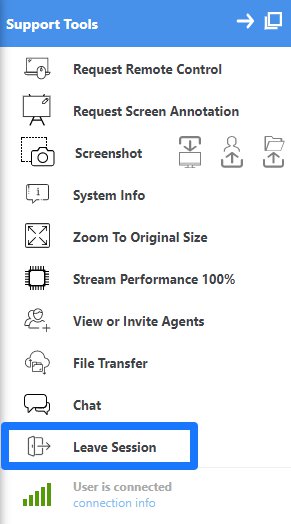
The agent can end the session from the control panel by clicking Leave Session
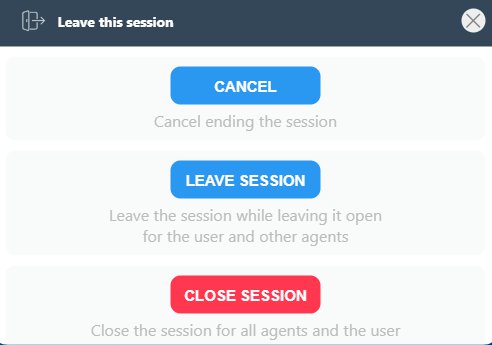
The agent gets a confirmation button and must click ‘Leave Session’ or ‘Close Session’