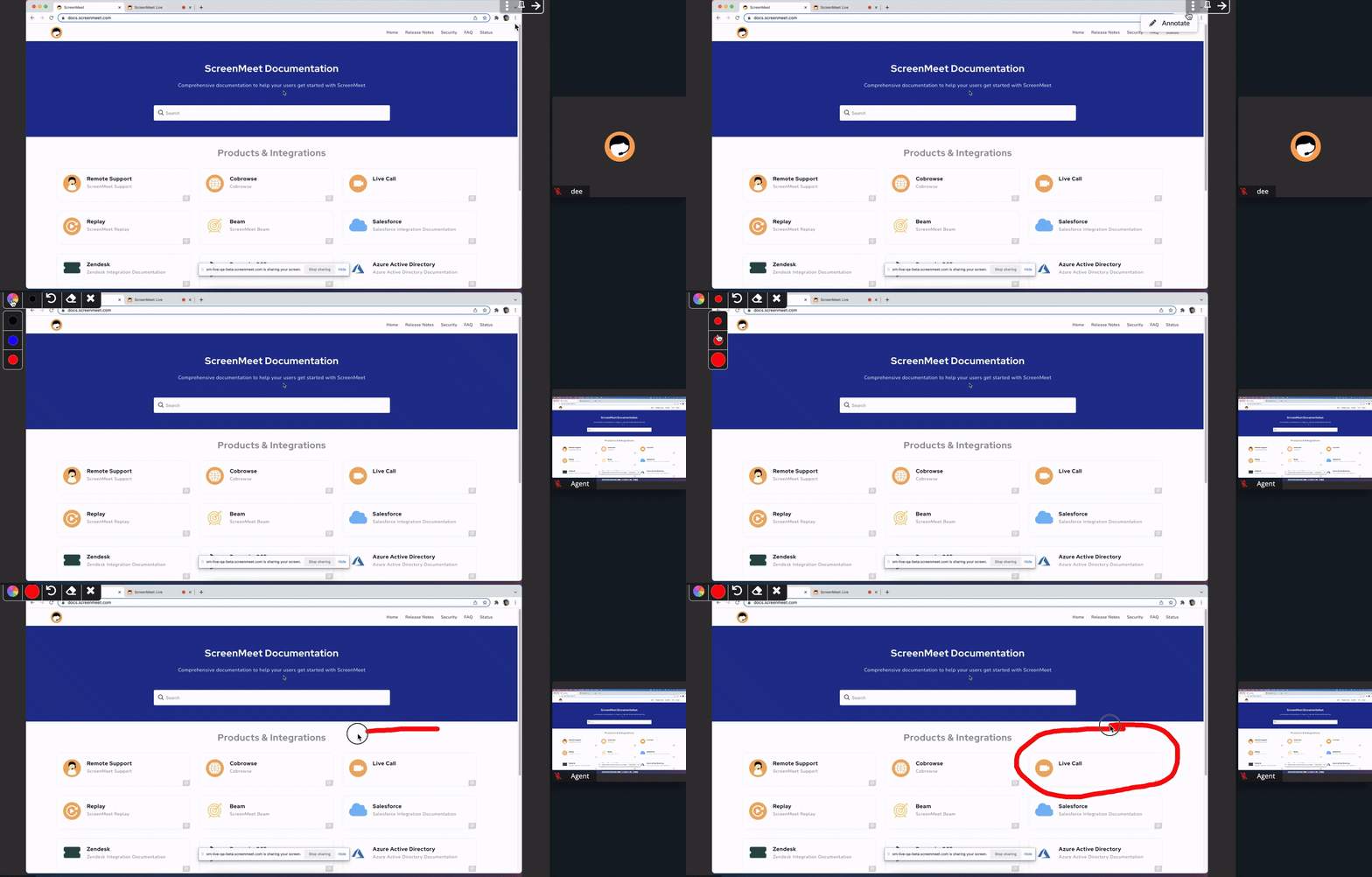
Screen Annotation
Screen Annotation is now available during a Live Call. Screen annotation will take a snapshot of the current image and allow the agent to draw on the screen. In real time, the screen annotation will be shown on the end users device. The agent can choose between red, blue, or black and different size of the brush. The drawings can either be erased completely or undo. To exit out of screen annotation simply click on the X next to the eraser tool.