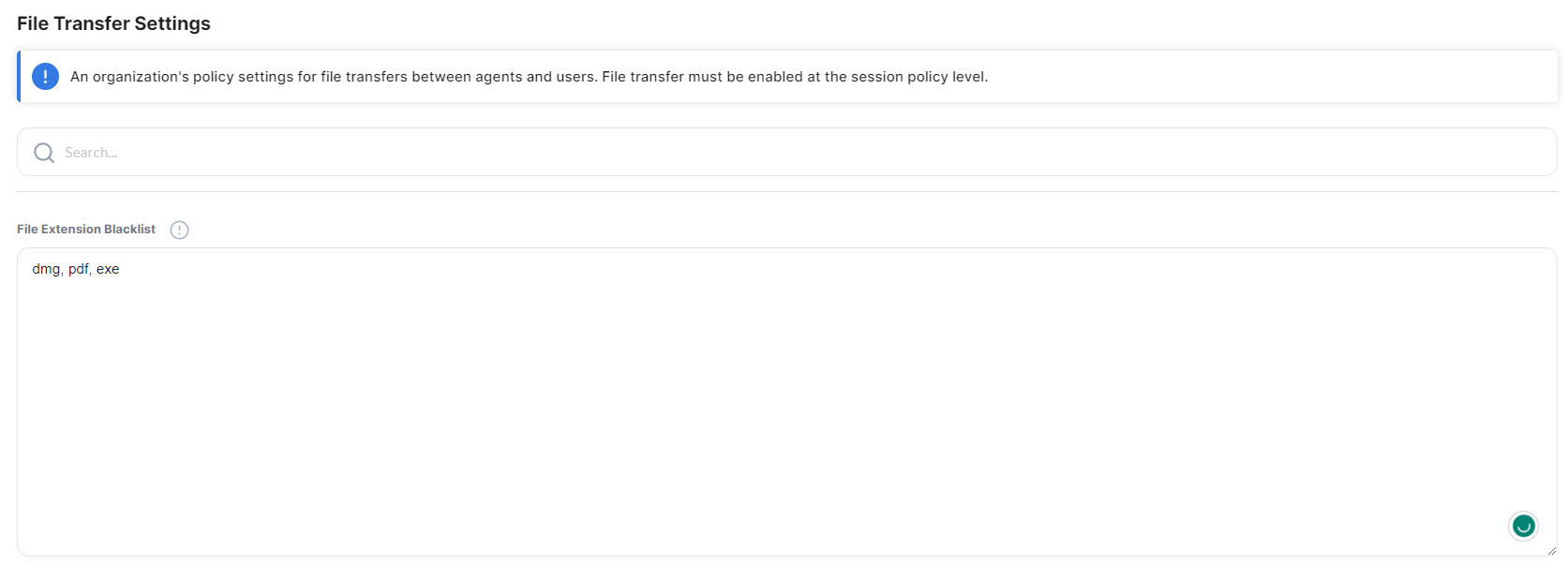
ScreenMeet Live allows administrators to control how files are transferred.
File Extension Blacklist: Administrators can enter a list of file extensions that are restricted from being transferred.
Retain transferred Files: Toggle that determines if transferred files will be saved after the Session ends.
After any modifications or updates to settings, click Save Configuration.