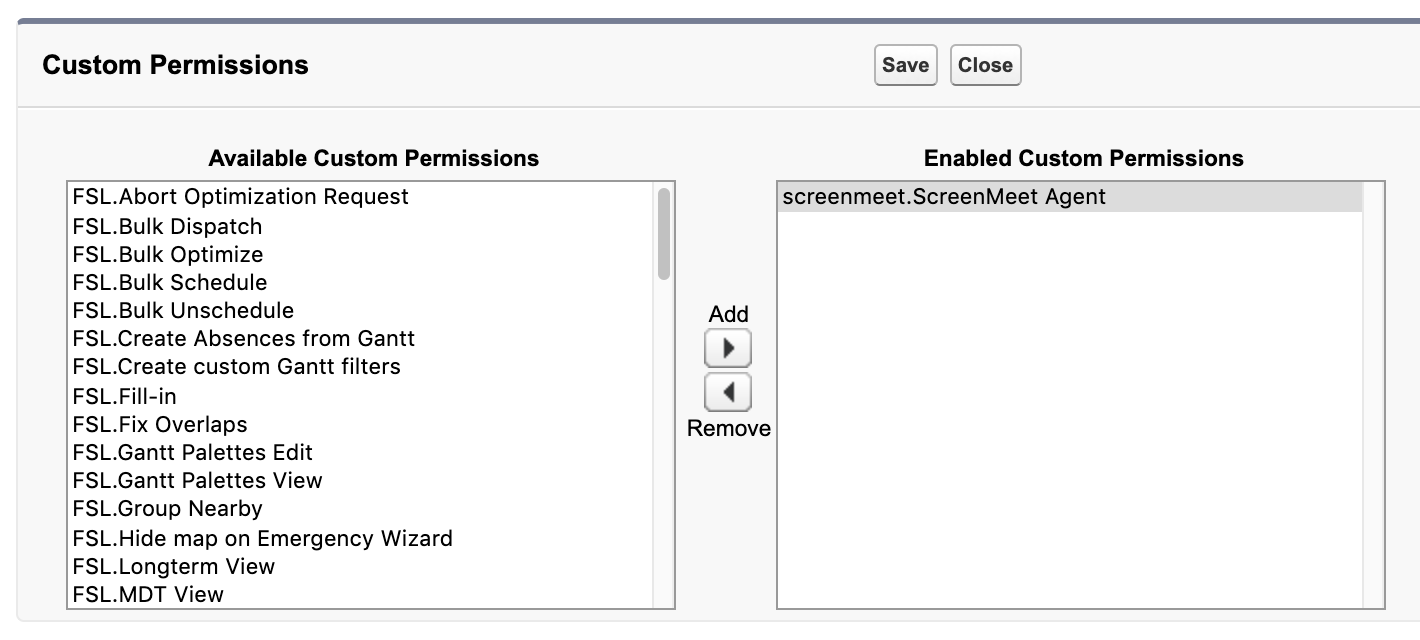
Custom permissions are used to assign roles to your users. In order to create sessions, the screenmeet.ScreenMeet Agent custom permission is required.
- Open the Permission Set called ScreenMeet Agent, which you had created in an earlier step.
- Click on Custom Permissions.
- Click the Edit button.
- Find the permission called screenmeet.ScreenMeet Agent and add it to Enabled Custom Permissions, then click Save.
Next: Set up System Permissions