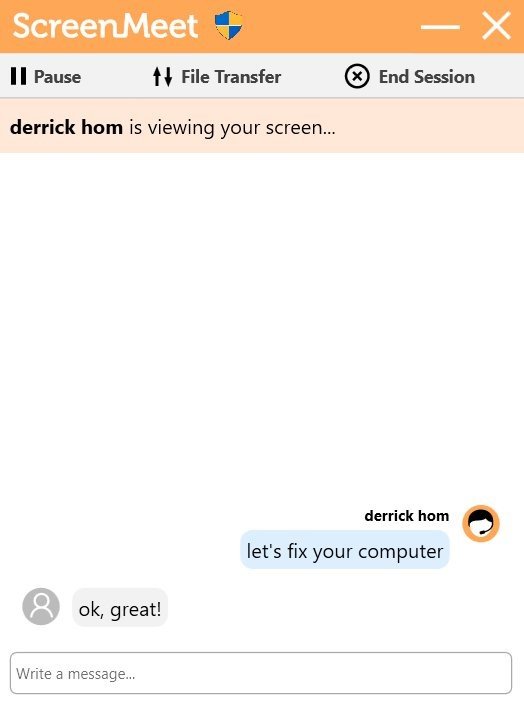
Either the Agent or the end user can choose to terminate the Remote Support session.
The Agent can end the Session from the control panel by clicking Leave Session.
Agents can start a chat by clicking on the icon. The Agent and end user can chat with each other by typing in these windows. Either party can initiate the chat, and the messages appear instantly.
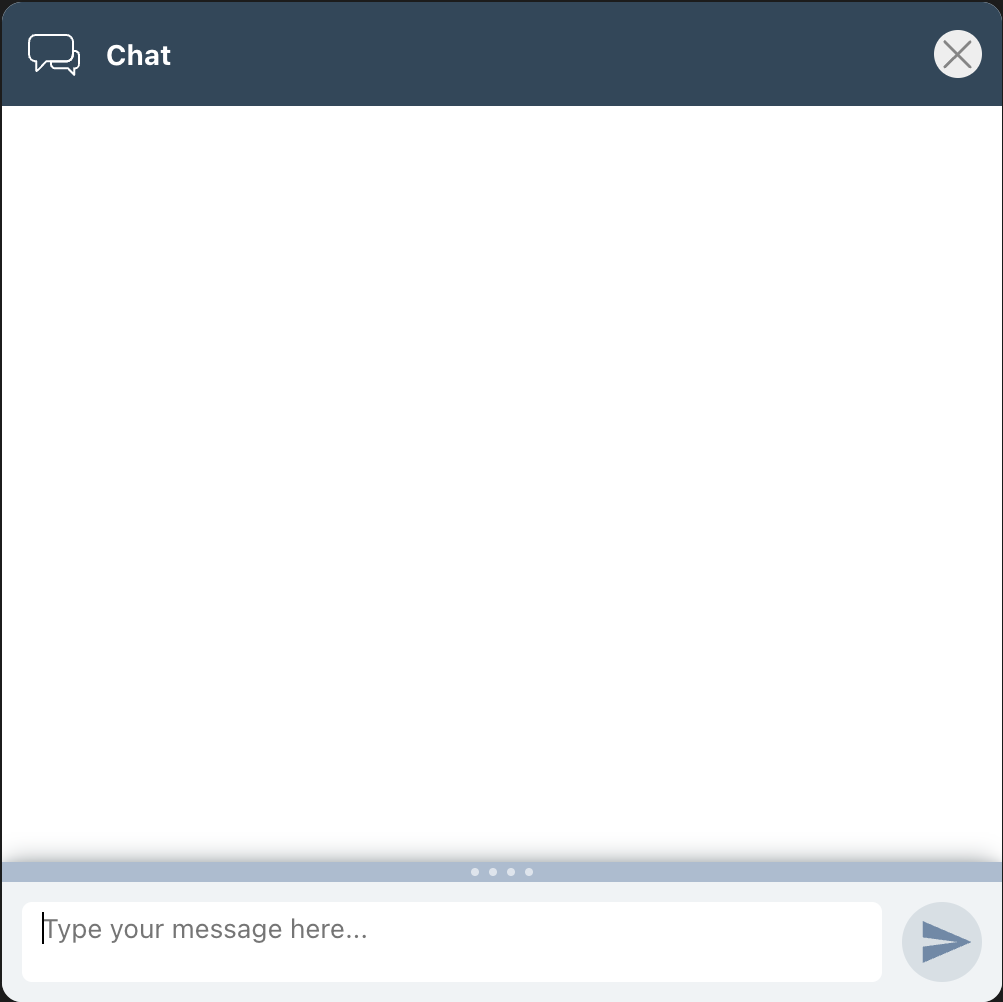
Agent View
.png)
End-User View