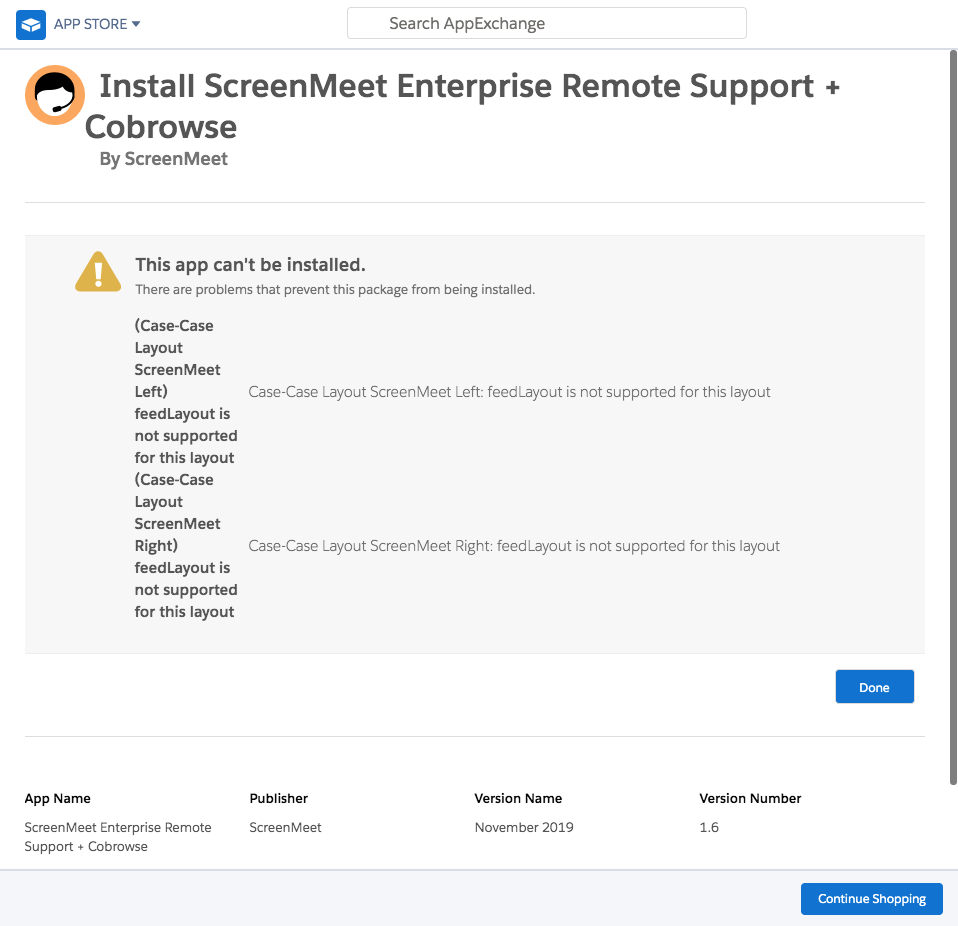
If you see the error 'Case-Case Layout: feedLayout is not supported for this layout' when installing the ScreenMeet package:
Solution:
Check that Chatter is enabled in your organization.
You can enable chatter settings in Salesforce via Setup > Customize > Chatter > Settings (Enable "Turn on Chatter and Global Search features")
This article lists some additional causes and possible solutions.