Zoom and Panning Controls
Introduction
The zoom feature allows Agents to enlarge the remote device’s display for improved visibility. Agents can switch between Zoom In and Zoom to Original Size at any time.
Using Zoom
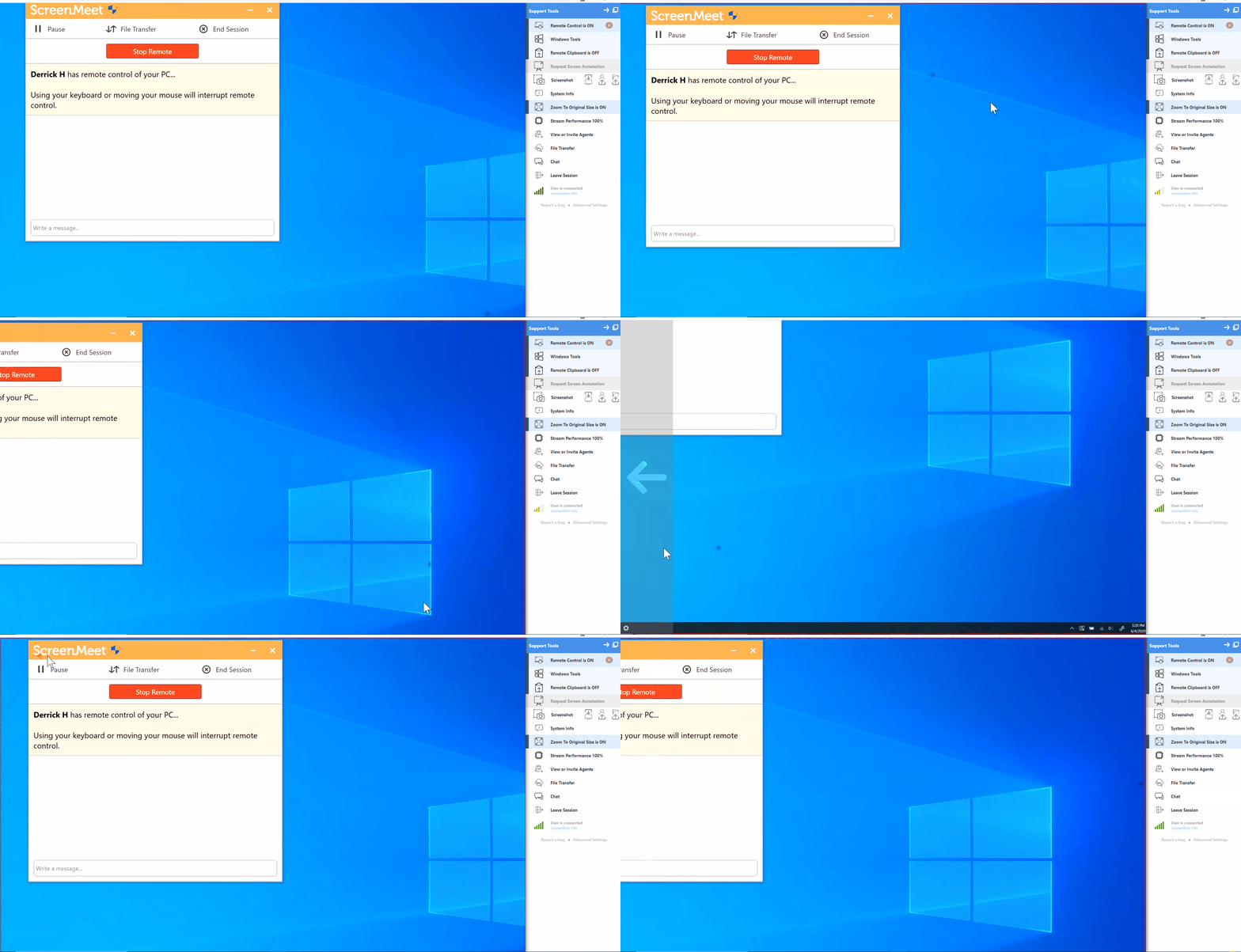
When zoomed in, the view focuses on a magnified portion of the remote screen. This is useful for reading small text or examining detailed areas of the display.
Using Panning
While zoomed in, Agents can pan by moving the mouse. The screen view automatically follows the pointer, allowing the Agent to drag and reposition the visible area.
Conclusion
Zooming and panning enable precise navigation of the remote device’s screen, improving clarity during support sessions.