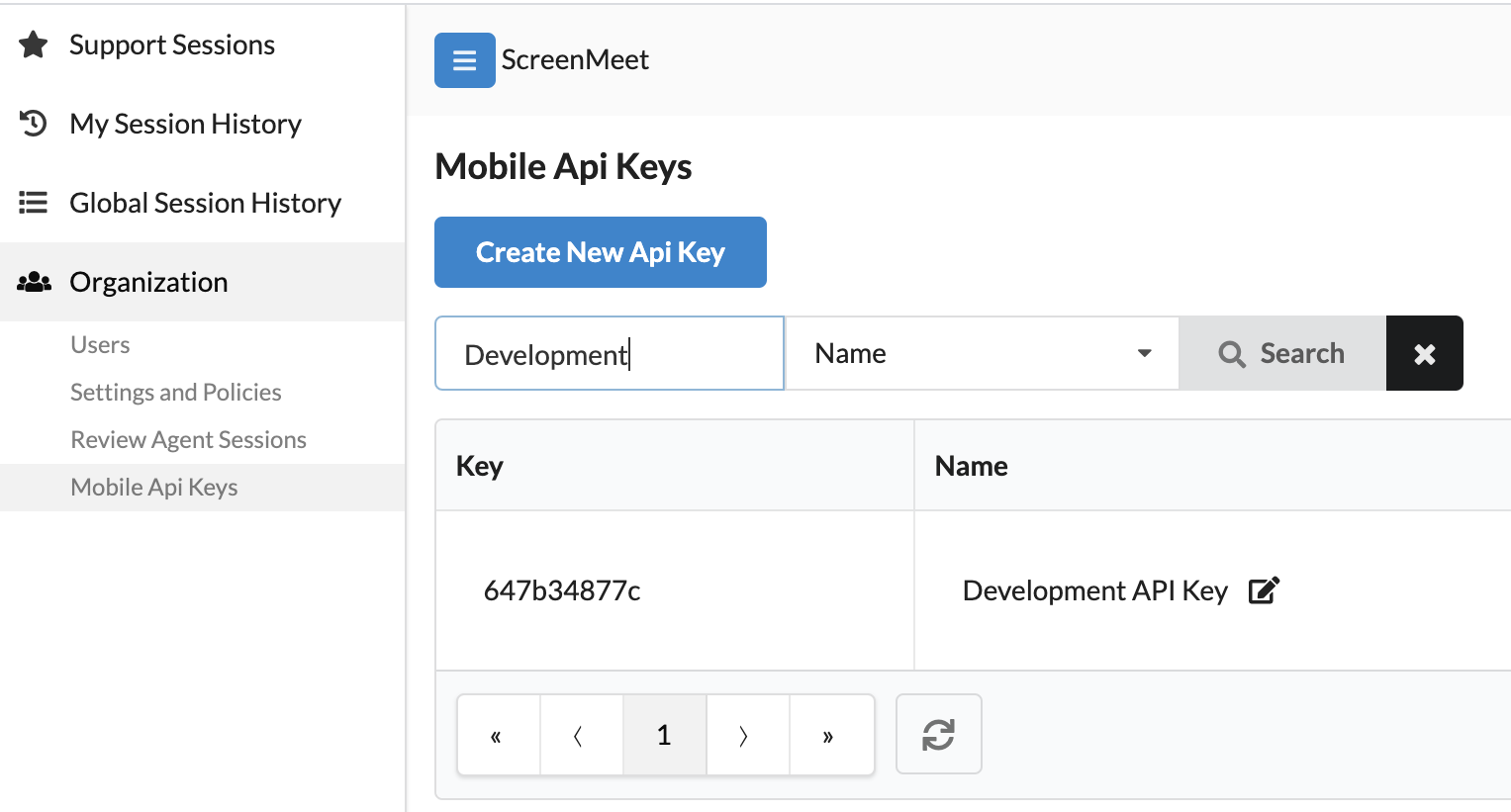
The Mobile API key is required when initializing the SDK. The key is unique to your organization and can be generated by your organization's administrator using the ScreenMeet Console.
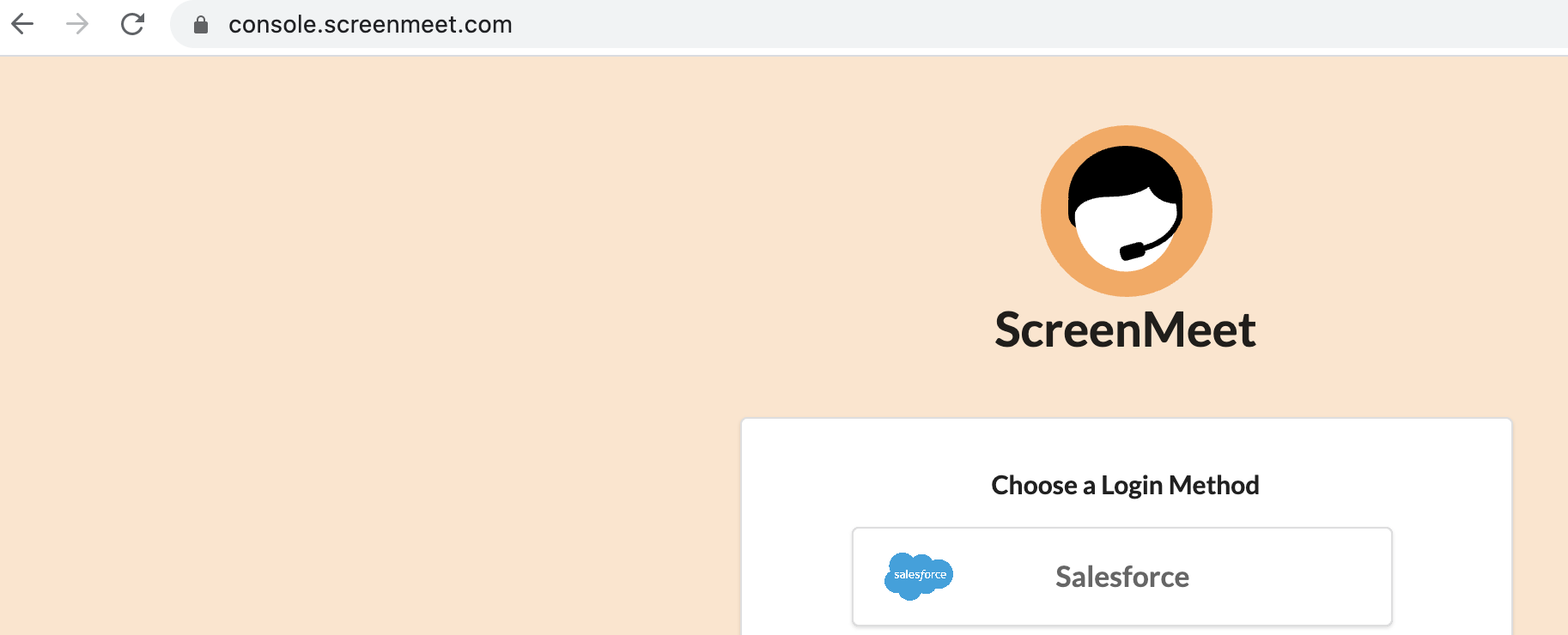
- Login to the ScreenMeet Console.
- Navigate to the Mobile API Keys section of the the console.
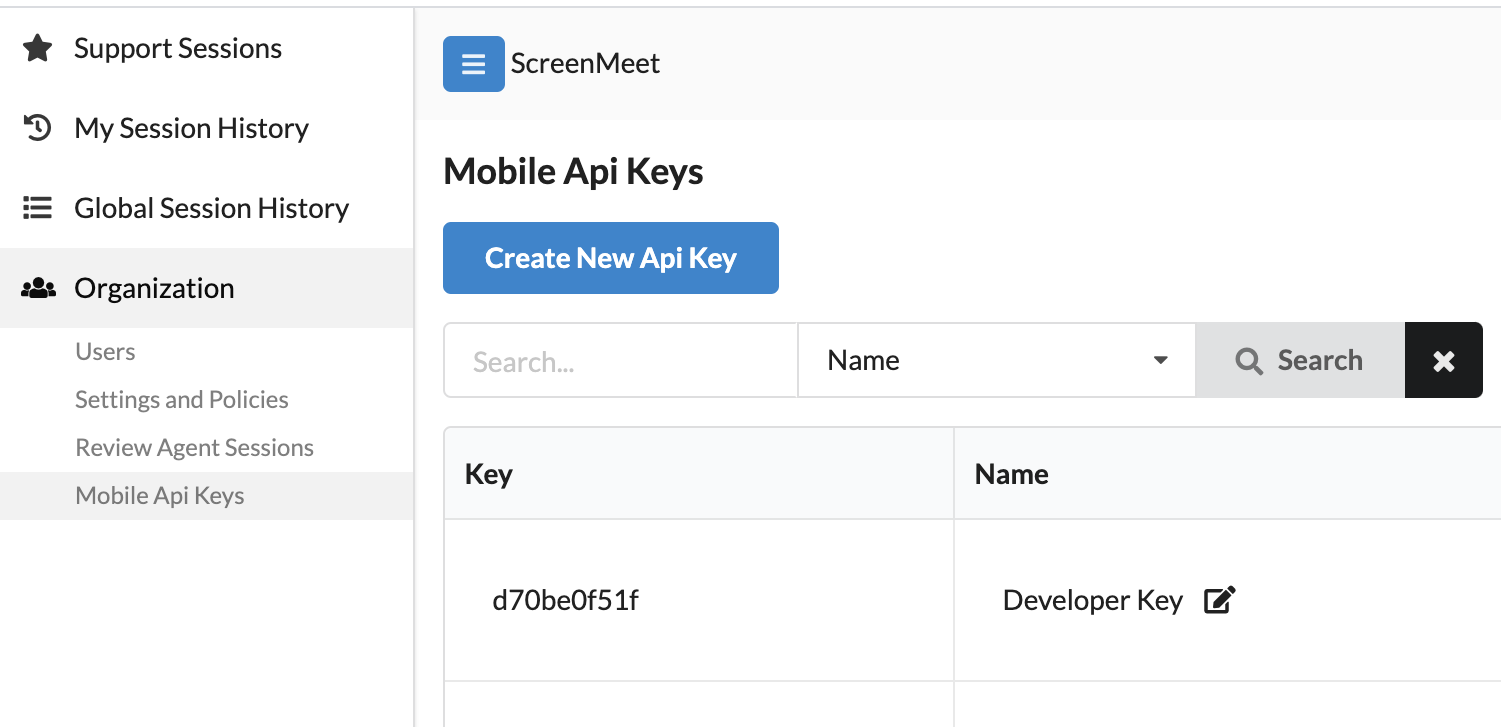
- Click the blue "Create New API Key" button.
- Provide a user-friendly description for the key. This allows you to easily identify the key in the list.
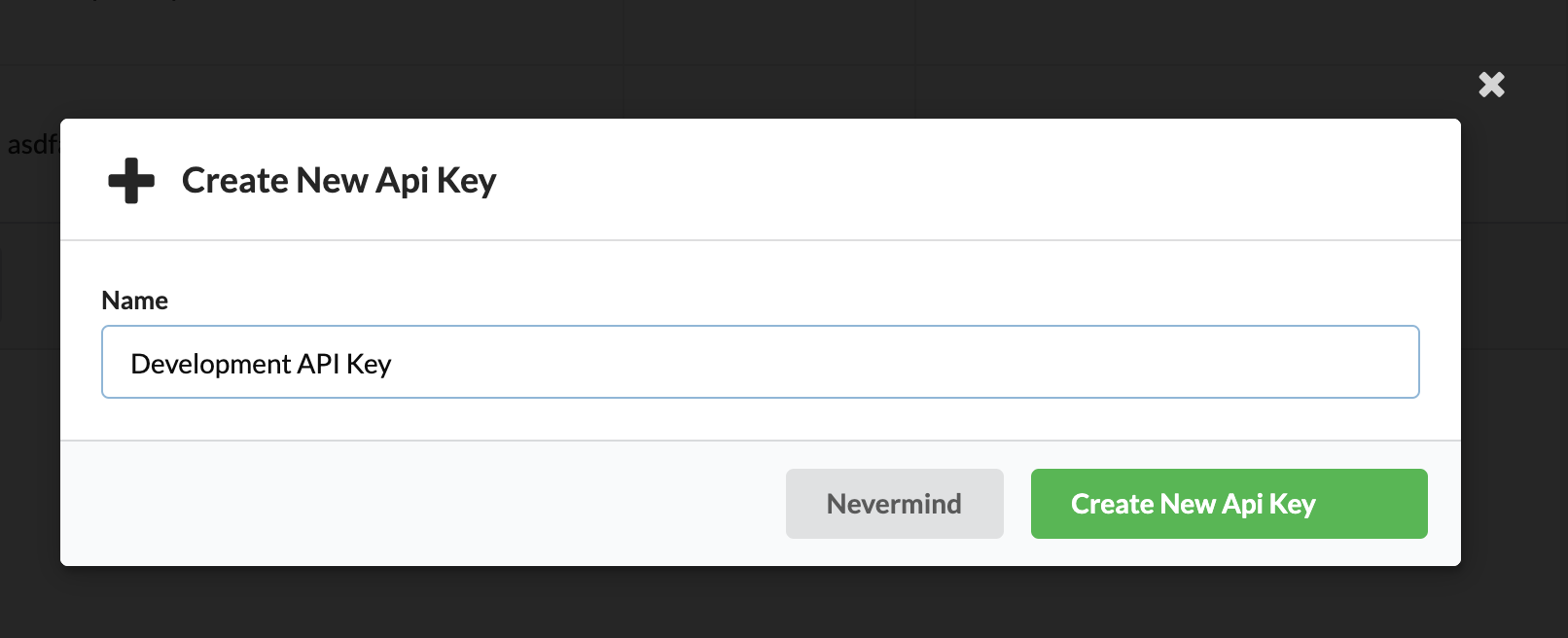
- Click the green "Create API Key" button.
- You are done! Note the generated API key. This will be used to initialize the SDK on both iOS and Android.