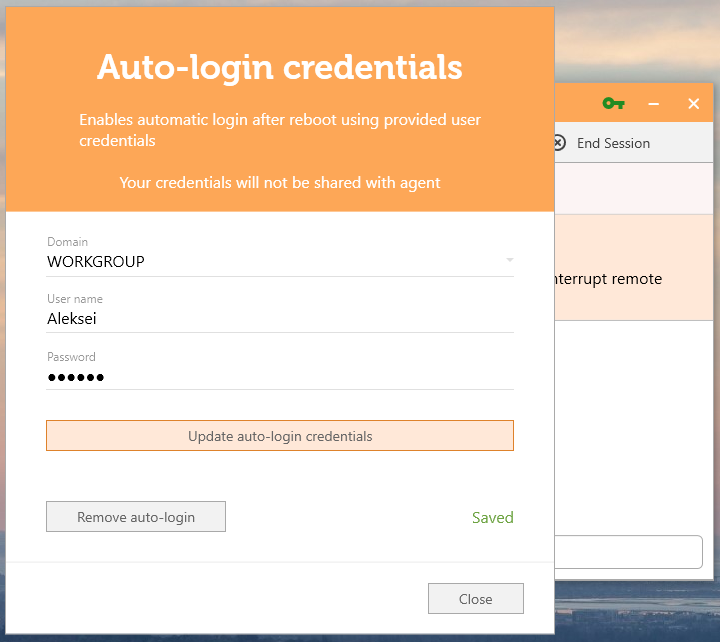
Credentials will now be saved on the client’s device when initiating a Reboot or a Reconnection. When Reboot/Reconnect is initiated, a popup screen will appear on the client’s side. The client’s credentials are then entered in this popup screen, and, once they are saved, the Agent can reboot the client’s device and automatically log in to the Desktop. Credentials are saved Locally/Encrypted and will be REMOVED at the end of the Session.
NOTE: Remote Control and UAC must be enabled.
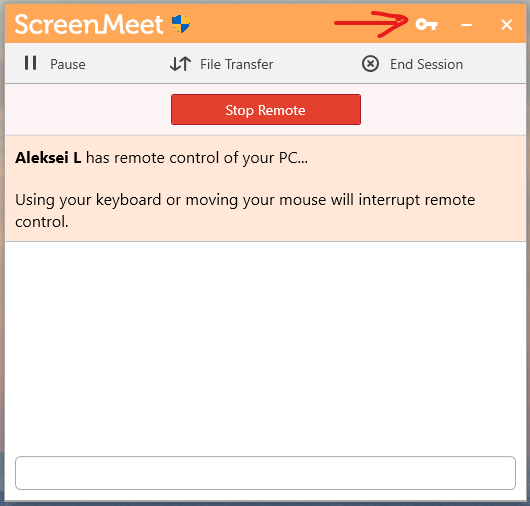
The “Auto-Login credentials” button
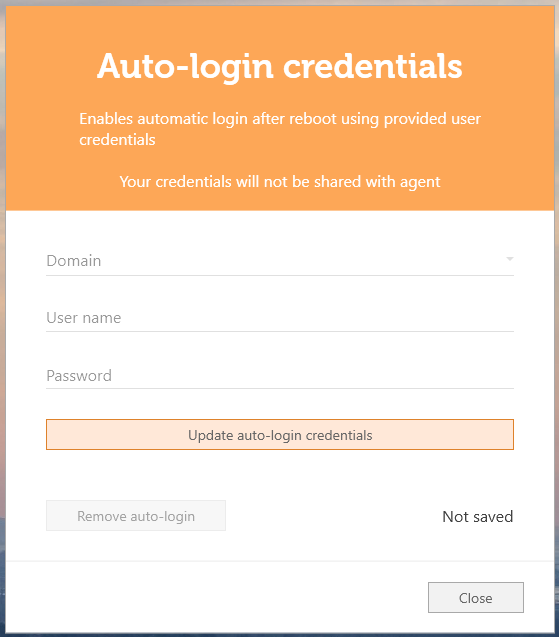
Auto-Login credentials window
Auto-Login credentials window in “Saved“ state